
Organize access for your support team
Invite colleagues, choose workspace permissions and review computer access and activity in My Deskbat.
Organize the workspace
- Sign in to My Deskbat and select the intended workspace.
- As an authorized owner or administrator, invite the colleague who needs access. They accept using their own account.
- Use the team and computer permission controls to grant the required access. Organize computers into sites where useful.
- Have the colleague verify that the expected computers appear and that the intended view or control action is available.
Separate workspace access from computer passwords
Team membership and computer permissions organize normal workspace access. Someone outside the workspace can also request local approval or connect by ID with an authorized unattended password. Review both membership and unattended-password sharing when a person no longer needs access.
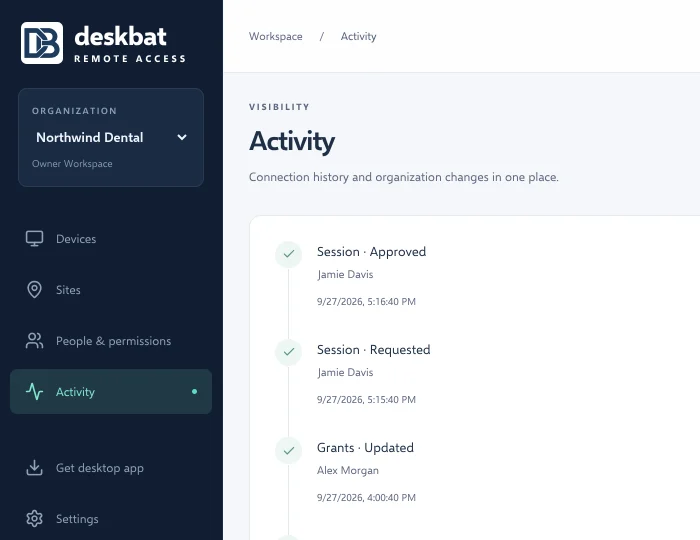
Review work and diagnose problems
Use Activity to inspect connection outcomes and workspace changes. For a failed attempt, combine the activity time with a diagnostic reference from the app. Plan capacity by simultaneous sessions, not just the number of installed computers.