
Set up your first Windows computer
Install Deskbat, verify your account and add a Windows computer to your workspace.
Before you start
Use Windows 10 or 11, 64-bit, with administrator permission to install software. Have access to the inbox used for your Deskbat account. The PC needs an internet connection.
Install and sign in
- Create your Deskbat account and open the email verification link. If it does not arrive, check spam and use Resend verification email on the sign-in page.
- Download Deskbat for Windows on the computer you want to access. Open the downloaded installer and approve the Windows administrator prompt.
- Open Deskbat and sign in. A workspace owner or administrator can add the computer. If you are joining someone else’s team, ask its owner for an invitation.
- Open This computer and check the ID and availability. Keep Deskbat running.
- Connect from another supported device. Ask the host to approve, or configure unattended access if the owner wants access while away.
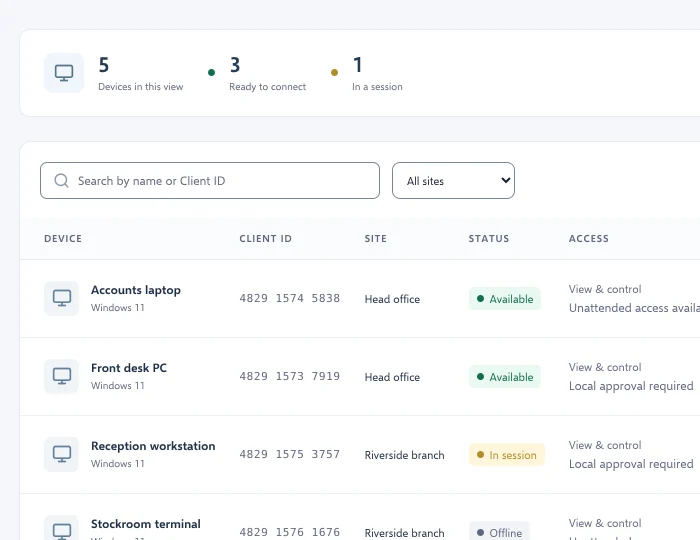
Check the result
The computer should appear in the intended workspace. Confirm a connection while someone is at the PC before relying on unattended access. If the computer is missing, check the account and selected workspace on both devices.